

The article itself would have taken ninety seconds. Everything around it took the rest. She wasn't angry, exactly. She just noticed, for the first time in a while, how much of her attention was going to things she never asked to see.
The Frictions Nobody Bills You For
If you use the web daily, you already know the inventory. Recipe pages where the ingredients sit below three screens of sponsored widgets. Sports scores that shift mid-tap because a banner finished loading. Autoplay video that starts talking in a quiet waiting room. Notification prompts from sites you visited exactly once. Pages on a hotel Wi-Fi connection in Denver that crawl, not because the article is heavy, but because forty tracking scripts are phoning home first.
None of these is a catastrophe. Together, they are a tax — paid in seconds, data, and patience, dozens of times a day.
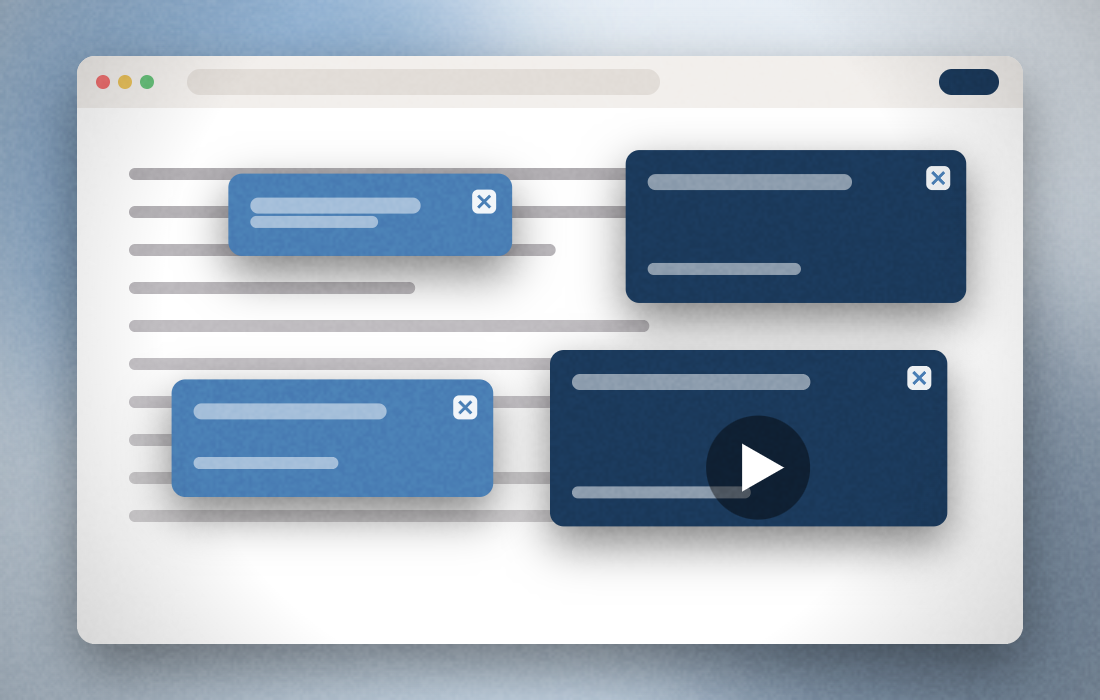
Here is the fair part, and it deserves saying plainly: ads fund the free web. The reporter who covered that bridge closure got paid because someone bought the ad space next to her story. Free recipe blogs, local sports coverage, weather sites — most exist because of advertising. The problem was never that ads exist. The problem is proportion: when the wrapping outweighs the gift, when the interruptions cost more attention than the content earns, readers start looking for a volume knob.
“Every open tab is a room you're renting — and lately the landlord keeps moving in furniture you never agreed to.”
What to Look For in an Ad-Blocking Browser Extension (Before You Install Anything)
Treat this like any other purchase. Whatever tool you're considering — the one below or a competitor — run it through these seven checks:
-
Coverage honesty
Does the maker say plainly where blocking works and where it's limited? Vague “blocks everything” claims are a red flag; footnotes are a green one.
-
Business model
Free tools still have to eat. Find out whether the developer sells a premium tier (transparent) or sells your browsing data (not).
-
Renewal terms
Introductory prices are common in this category. What matters is the price in year two, how you're notified, and how cancellation works.
-
Browser and device support
An extension that only covers one browser leaves your phone exposed. Check the supported list against what you actually use.
-
Control
Can you allow ads on sites you want to support? A good blocker is a dial, not a sledgehammer.
-
Data handling
Read the privacy disclosure on the store listing itself — Chrome requires developers to declare what categories of data an extension handles.
-
Real reviews, including the bad ones
Aggregate star ratings and critical reviews tell you more than any landing page — including this one.
One Option Worth a Look: Total Adblock
With that checklist in hand, here is one candidate: Total Adblock, a browser extension from Total Security Limited, the company behind the TotalAV antivirus suite. To be clear about sourcing: everything below comes from its official Chrome Web Store listing and totaladblock.com, both reviewed in August 2026 — confirm current details there before deciding.
According to its listing, the extension blocks ads, pop-ups, and trackers, can remove in-play video ads on supported sites, and includes a pop-up blocker for intrusive browser notifications. It offers preset blocking profiles tuned for speed, privacy, or security, and lets you keep your own list of websites where ads are acceptable — that dial we mentioned. The listing reports roughly 800,000 users, and the store shows a “Featured” badge with a note that the publisher follows recommended practices.
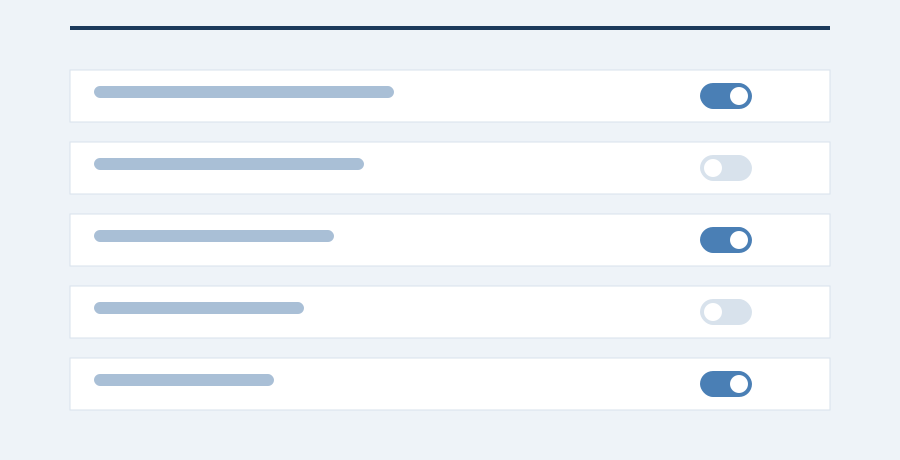
It starts with a 7-day free trial of the premium tier. After that, per the listing, you can keep using basic ad-blocking features for free, or pay to maintain premium protection on popular sites. That split — free basics, paid full coverage — is the honest headline of this product, and it's why the trial matters: it shows you the full version before any money moves.
